High-Resolution Emoji PNG Export (When 128px Isn’t Enough)
When you need more than 128px: keep a 1024/2048 master PNG, downscale for Discord and Slack, and know what free vs paid exports include on Emoj.si.
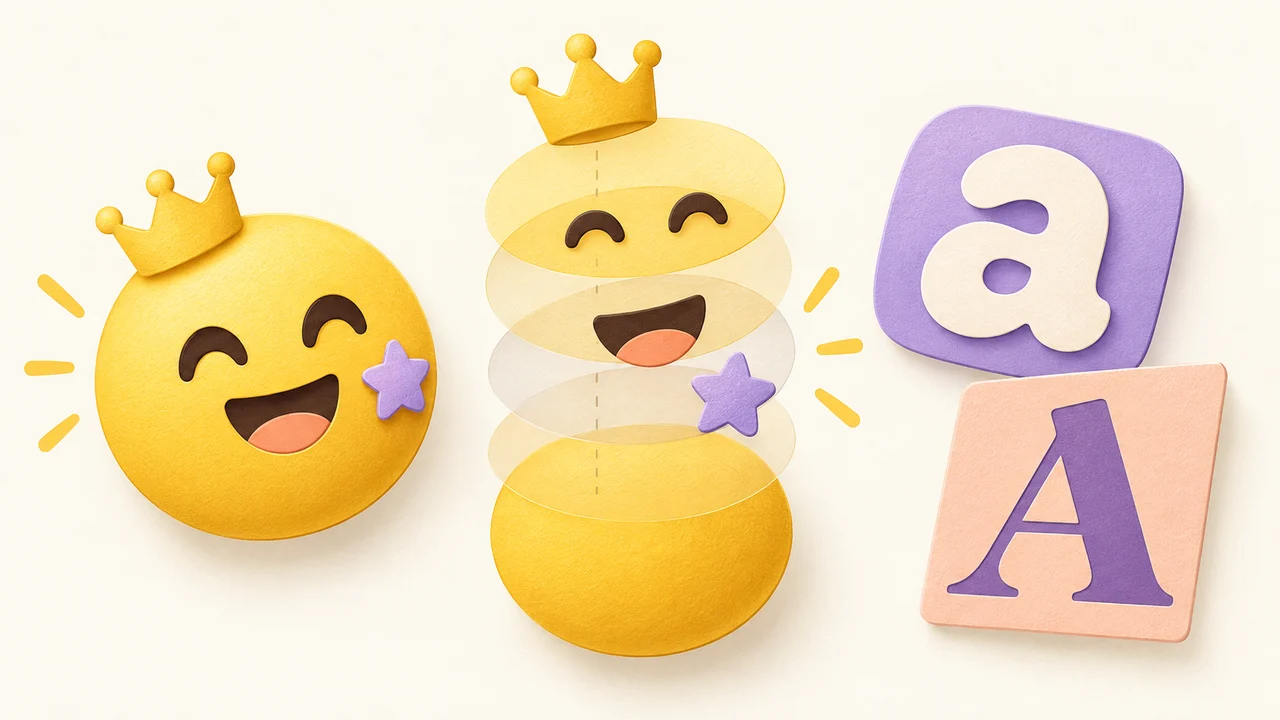
Short answer: chat apps usually want something around 128×128, but you still want a high-resolution master PNG — 1024 or 2048 — so you can downscale cleanly, print a sticker sheet, drop the art into a slide deck, or reuse it on a website. On Emoj.si, guest and free exports are 512 or 1024 px with a watermark. Paid plans unlock watermark-free exports up to 2048 px.
This post is about when that larger file is worth it, and how not to confuse "export size" with "upload size."
Why 128px became the default in people's heads
Discord's sweet spot for custom emoji is roughly 128×128 and under 256 KB (JPEG/PNG/GIF/WebP; see Discord Support and the API docs, plus our Discord size guide). Slack asks for square images under 128 KB and then auto-resizes (Slack Help: Add custom emoji; our Slack upload guide). Twitch historically uses a set of smaller sizes — see Twitch emote sizes.
So if your only job is "upload to Discord tonight," 128 is fine. The problem starts when that same art has a second life.
When 128px isn't enough
Here's when I reach for a high-res PNG:
1. You're going to shrink it later (multiple platforms)
Export once at 1024 or 2048, then make copies: 128 for Discord, a small square for Slack, 512 for WhatsApp stickers (WhatsApp sticker size), whatever Telegram needs (Telegram emoji vs sticker). Shrinking a sharp master looks better than upscaling a soft 128.
2. Marketing, decks, and docs
A company reaction emoji often ends up in a Notion page, a pitch deck, or a merch mockup. At those sizes, 128 looks like a postage stamp with jagged edges.
3. Print and sticker sheets
Phone stickers and laptop stickers need real resolution. 2048 gives you room to crop and bleed without the lines falling apart.
4. Photo-based emoji
If you started from a photo (photo to emoji), the face already has soft edges. Exporting larger preserves more of what the AI cutout (or your eraser) left behind before you downscale for chat.
5. You hate redoing work
I've remade the same "ship it" emoji three times because the only copy was a crushed 64 px upload. Keep a master.
What Emoj.si actually exports (no fluff)
Stated plainly, because this is where people get confused:
| Tier | Export sizes | Watermark | Notes |
|---|---|---|---|
| Guest / free | 512 or 1024 px | Yes | Library parts, backgrounds, brushes, and uploads (PNG/JPG/WebP up to 2 MB) are free |
| Paid | up to 2048 px | No | Also includes AI background removal with a monthly quota |
- Exports are static PNG only. No animated export on Emoj.si.
- Free does not mean watermark-free or unlimited HD. If a page elsewhere claims that about us, it's wrong.
Current plan details live on pricing.
A practical workflow: one master, many targets
This is what I do for a set that will live on Discord and get used in a deck:
- Build the emoji on emoj.si at full canvas size. Keep the background transparent.
- Export the master at the highest clean size you have access to (1024 with watermark on free, or 2048 watermark-free on paid).
- Save the master somewhere boring and safe (
emoji-masters/ship-it-2048.png). - Make a upload copy at ~128×128 for Discord/Slack. Check file size stays under the platform cap.
- Make a web copy at 256 or 512 if the site needs a crisp inline icon.
- Never overwrite the master with the upload copy.
If you're still learning the editor, how to make your own emoji walks through parts, layers, and a first export, and free emoji maker online covers what the free tier includes.
Watermark vs. resolution — they're separate problems
Two different questions:
- "Is it big enough?" → 512/1024/2048.
- "Is it clean enough for a client / public server?" → watermark or not.
A free 1024 export is already high-res enough for many personal Discord servers if you don't mind the watermark. A paid 2048 export is for when the art needs to look official — brand Slack, client deliverable, print, or a storefront thumbnail.
I wouldn't upgrade just because Discord wants 128. I'd upgrade when the watermark shows up in a place that makes the team look sloppy, or when 1024 still feels soft after a crop.
Platform upload sizes (quick reminder)
Always downscale from the master; don't upload 2048 to a 256 KB slot and hope compression saves you.
- Discord: ~128×128, under 256 KB. Size guide · Upload guide.
- Slack: square, under 128 KB; Slack resizes. Slack Help · our Slack guide.
- Teams: Microsoft Teams custom emoji.
- Twitch / WhatsApp / Telegram: link the dedicated posts above rather than guessing new numbers.
FAQ
Do I need 2048 px for Discord?
No. Discord wants a small square (around 128). Export high-res for yourself, then upload a downscaled copy.
Does the free tier include watermark-free HD?
No. Guest/free exports are 512 or 1024 with a watermark. Watermark-free and 2048 are paid.
Is a larger PNG always sharper in chat?
Only if you downscale carefully. Uploading a huge file that gets aggressively compressed can look worse than a tidy 128. Aim under the platform's KB limit.
Can I export animated high-res emoji from Emoj.si?
No. Static PNG only. For Discord GIFs, see how to make an animated Discord emoji.
When should I pay for 2048?
When you need a clean master for print, decks, multi-platform reuse, or a public brand workspace — or when the free watermark is a deal-breaker. See pricing.
Bottom line
Treat 128 as an upload size, not a working size. Keep a high-resolution transparent PNG as the master, then carve out small copies for each chat app. On Emoj.si that master is 1024 (watermarked) for free, or up to 2048 watermark-free on paid.
Open the editor at emoj.si, export the largest clean file you need, and archive it before you start crushing copies for Discord.
Sources / further reading: