Twitch Emote Maker: Make Emotes in 112/56/28 px
Make Twitch emotes as square transparent PNGs. Auto-resize one 112–4096 image or upload 28/56/112 manually. Design in the browser, then resize for Twitch.
Short answer: a Twitch emote is a square PNG (transparent background preferred). You can upload one image between 112×112 and 4096×4096 and let Twitch auto-resize it, or upload the three manual sizes yourself: 28×28, 56×56, and 112×112. File max is 1 MB. Design the art in your browser on Emoj.si, export a large square PNG, then resize for Twitch.
I help a few small streamers keep their emote folders tidy. The thing that trips people up isn't the drawing — it's shipping the right sizes after the design is done. Here's the path that works.
What Twitch expects
From Twitch's emote guidelines:
- Static format: PNG, square, transparent background preferred, max 1 MB.
- Auto-resize: one square PNG between 112×112 and 4096×4096. Twitch builds the rest.
- Manual sizes: three PNGs — 28×28, 56×56, and 112×112.
- Animated: GIF. Auto: one GIF 112–4096 under 1 MB. Manual: three GIFs, each ≤512 KB. Max 60 frames, and no more than 3 flashes per second.
- Slots: you need Affiliate or Partner emote slots, and submissions go through review. Don't invent eligibility — check your Creator Dashboard.
There's a deeper size walkthrough in Twitch emote sizes, and a cross-platform table in the emoji size cheat sheet.
Make the still emote
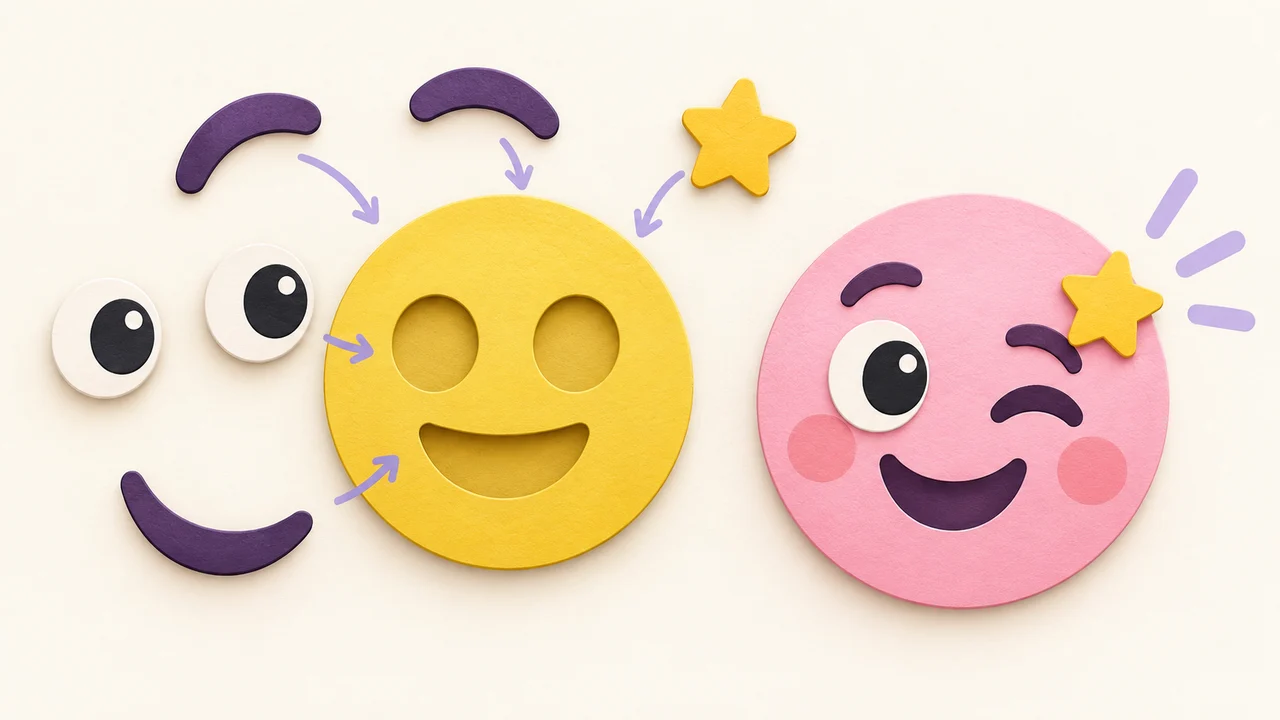
- Start big and simple. On Emoj.si, pick a face, eyes, brows, and a mouth from the parts library. Everything in the library is free to use.
- Design for 28 px first. The 28×28 version is what shows in chat. Thick outlines and one clear idea beat tiny detail.
- One prop max. A coffee cup, a sweat drop, a logo mark. Two props usually turn into mush at small size.
- Upload your own art if you want. PNG, JPG, or WebP up to 2 MB can sit as its own layer — a mascot, a logo, or a pet (with permission).
- Keep the background transparent. Twitch chat backgrounds vary; a solid box looks worse than a clean silhouette.
- Export a master PNG. Free and guest exports are 512 or 1024 px with a watermark. Paid plans remove the watermark and go up to 2048 px. For a public channel, a watermark on a tiny emote is distracting — see free vs paid export.
Resize for Twitch
Two honest options:
Option A — auto-resize (easiest). Export one square PNG between 112 and 4096 (1024 or 2048 is a solid master). Upload that single file in the Creator Dashboard and let Twitch generate the smaller versions.
Option B — manual three sizes. Shrink your master yourself to 112×112, 56×56, and 28×28. Check each one at real chat size. If the 28 px version is unreadable, simplify the design and export again.
Keep every file under 1 MB. Flat emoji PNGs at these sizes are usually well under that. If you need a cleaner high-res master before shrinking, high-resolution emoji PNG covers when a larger source helps.
Animated emotes
Emoj.si exports static PNG only. For animated Twitch emotes, make the key still frame here, animate it in another tool as a GIF, then follow Twitch's GIF rules (frame count, flash rate, and per-file size). Don't claim an animated export from this editor — it isn't there.
Upload and review
- Open your Twitch Creator Dashboard.
- Go to the emote / expression section for your channel.
- Upload either one auto-resize PNG or the three manual sizes.
- Name the emote and submit it for review.
Slots and review rules are Twitch's. If you aren't Affiliate or Partner yet, you won't have channel emote slots to fill — the art can still wait in a folder until you do.
Ideas that survive at 28 px
- A mascot face with three moods: hype, tilt, sleep
- One clear reaction object (coffee, skull, heart)
- A shortened inside joke reduced to a single silhouette
- A "BRB" or "GG" mark that reads as a shape, not as text
Building a set with the same face and only the mouth/eyes changed makes them feel like a family in chat.
FAQ
What size should a Twitch emote be?
Either one square PNG 112–4096, or the three manual sizes 28 / 56 / 112. All square, PNG preferred, transparent background preferred, under 1 MB.
Can I make Twitch emotes for free?
You can design and export a watermarked PNG for free on Emoj.si. The editor, parts library, and uploads are free. Uploading to Twitch still needs Affiliate/Partner slots and Twitch's review.
Does Emoj.si export GIF for animated emotes?
No. Static PNG only. Make the still here, animate elsewhere, then follow Twitch's GIF limits.
Why does my emote look blurry in chat?
Usually the source was too small and got stretched, or it had fine detail that dies at 28 px. Start from a 512+ px export, simplify, and check the 28 px preview before you submit.
Try it
Open emoj.si, build one bold face for your channel's most common reaction, export a square PNG, and shrink it to 28 / 56 / 112 (or upload one large file for auto-resize) before you make a whole set.
Sources: