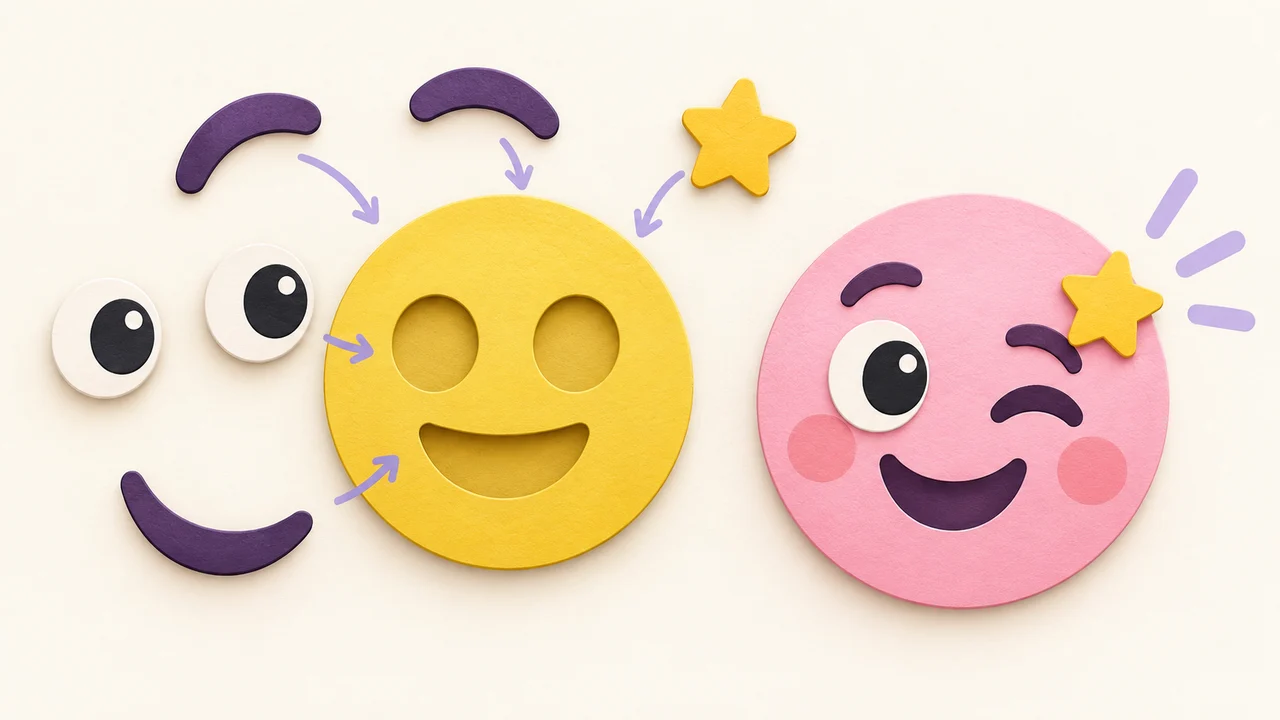
Telegram Sticker Maker: Make a Sticker Pack From Your Emojis
Make a Telegram sticker pack from transparent emoji PNGs. One side exactly 512, upload via @Stickers or the in-app maker. Static PNG from Emoj.si.
Short answer: a Telegram sticker maker workflow is: design square (or near-square) art with a transparent background, export PNG or WEBP with one side exactly 512, then upload a pack through Telegram's @Stickers mini app / bot — or use Telegram's in-app sticker editor for quick photo stickers. On Emoj.si you can design the still art in the browser and export a static PNG; you still finish the pack inside Telegram.
I've shipped a few personal sticker packs this way. The art step is fun. The part that wastes an evening is discovering Telegram's size rules after you've exported fifty wrong files.
What Telegram accepts (official)
From Telegram's stickers page:
Static stickers
- Format: PNG or WEBP
- Size: one side exactly 512 px; the other side 512 or less
- Transparent background recommended (a light stroke / soft shadow helps stickers pop)
Static custom emoji
- Exactly 100×100
- Same PNG/WEBP idea
Video stickers
- WEBM with VP9, no audio
- One side exactly 512; other side ≤512
- ≤3 seconds, ≤256 KB
Video emoji
- Exactly 100×100 WEBM (same duration/size spirit as above)
Animated (.TGS)
- Vector animation via After Effects + Bodymovin-TG
- 512×512 canvas, ≤3s, looped, ≤64 KB after render, 60 FPS, with a long list of AE features you cannot use
Emoj.si exports static PNG only. It does not export GIF, WEBM, or .TGS. Use this editor for still stickers (and still custom emoji masters), then handle video/animated formats elsewhere if you need them.
Size confusion between stickers and custom emoji is common — keep Telegram custom emoji vs sticker size bookmarked.
Create vs use custom emoji packs
Per Telegram's official page: everyone can create new custom emoji sets. Adding and using custom emoji sets is currently a Telegram Premium exclusive. Sticker packs (the classic chat stickers) are the everyday sharing path for most people; custom emoji packs are a separate product surface.
Make the sticker art on Emoj.si
- Open emoj.si.
- Build a clear subject. Pick a face and features from the free parts library, or upload a PNG/JPG/WebP (up to 2 MB) as a layer — mascot, doodle, logo (with permission).
- Keep the background transparent. Telegram recommends it. If your upload has a backdrop, use AI background removal on a paid plan (Pro 200/mo, Lifetime 500/mo per pricing).
- Design for silhouette. Stickers show large in chat, but busy micro-detail still turns to mush. One character, one prop, readable outlines.
- Export PNG. Free/guest: 512 or 1024 with watermark. Paid: watermark-free up to 2048. For a public sticker pack, a watermark on every frame is usually a deal-breaker — see free vs paid export.
- Fit Telegram's 512 rule. One side must be exactly 512. A square 512×512 export is the simplest. If your art is wider than tall, make width 512 and height ≤512 (or the reverse). Don't stretch casually — check the edges.
Need a cleaner master before shrinking? High-resolution emoji PNG covers when a 1024/2048 source helps. For general platform sizes, use the emoji size cheat sheet.
Build the sticker pack in Telegram
You have two official routes:
A) In-app sticker maker (fastest for photo-style packs)
In any chat, open the sticker panel and tap (+). Telegram's built-in editor lets you turn device photos into stickers with text, drawings, and emoji overlays, and gather them into packs — no external software required.
B) @Stickers mini app / bot (best for a designed set)
- Open the @Stickers mini app (or talk to the @Stickers bot with commands).
- Create a new sticker pack (static for PNG/WEBP files).
- Upload each sticker file that already meets the 512-side rule.
- Assign an emoji "parent" to each sticker so Telegram can suggest it.
- Title the pack, set the link name, and publish.
You can manage packs, check stats, and add more stickers later from the same mini app. Artists who already have PNG/WEBP/WEBM files from other tools can upload those the same way.
Suggested pack workflow (static)
- Sketch 8–20 moods of the same character (happy, tilt, sleep, "brb," celebrate…).
- Export each as a transparent PNG from Emoj.si.
- Resize so one side = 512.
- Upload via @Stickers as a static pack.
- Test in a private chat on light and dark themes before you share the link widely.
Building a set with the same face and only mouth/eyes changed makes the pack feel like one family instead of random clipart.
What Emoj.si will not do for Telegram
- No
.TGSanimated stickers. That needs After Effects + Bodymovin-TG. - No WEBM video stickers/emoji. Export stills here; encode VP9 WEBM elsewhere under Telegram's limits.
- No free unlimited watermark-free export. Free exports are watermarked 512/1024. Paid removes the watermark and unlocks up to 2048 plus AI cutout quotas and cloud designs.
If you only need WhatsApp instead, the size rules differ — see WhatsApp sticker size.
FAQ
How do I make a Telegram sticker pack from my emojis?
Design transparent PNGs, resize so one side is exactly 512, then create a pack in @Stickers (or the in-app sticker maker) and upload each file with an emoji mapping.
What size is a Telegram sticker?
Static: one side exactly 512, other side 512 or less, PNG or WEBP. Custom emoji: 100×100. Video stickers: WEBM VP9, one side 512, ≤3s, ≤256 KB, no audio.
Can I make Telegram stickers for free on Emoj.si?
You can design and export a watermarked PNG for free. Uploading the pack in Telegram is free via @Stickers / the in-app maker. Watermark-free and AI background removal need a paid Emoj.si plan.
Can Emoj.si make animated Telegram stickers?
No. Static PNG only. For .TGS or WEBM, use Telegram's documented software paths after you have the still art.
Do I need Telegram Premium to create stickers?
Classic sticker packs: no. Custom emoji sets: creating is open to everyone; adding/using custom emoji sets is Premium-exclusive per Telegram's official page.
Try it
Open emoj.si, build one bold transparent character, export a PNG, resize so one side is 512, and upload it as the first sticker in a new @Stickers pack. Once that single sticker lands cleanly in chat, make the rest of the moods.
Sources: