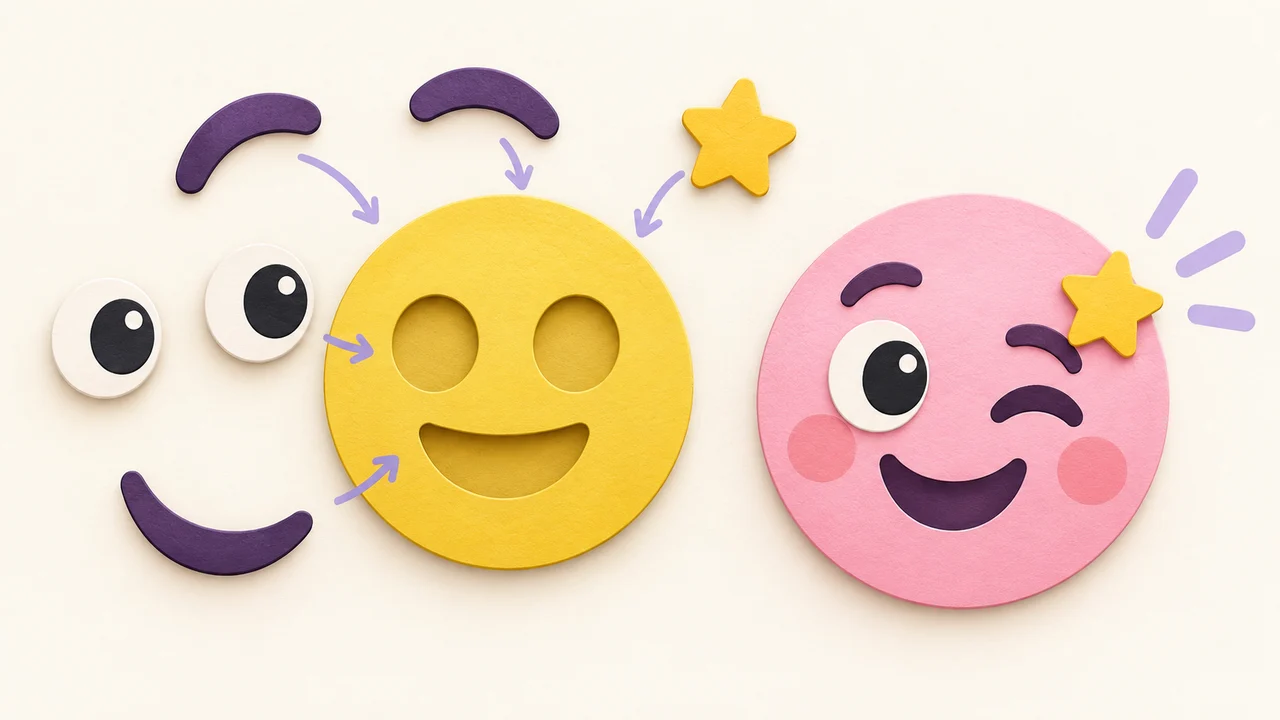
Genmoji Alternative: Make Custom Emoji Without Apple Intelligence
No Genmoji on your iPhone? Who gets Apple Intelligence, what Genmoji saves as stickers, and how to make portable custom emoji PNGs in the browser.
Genmoji is Apple’s Apple Intelligence feature for making custom emoji-like images on supported iPhones. If your device, language, or region does not get Apple Intelligence—or you just want assets that travel outside Messages—you need another path. This guide covers what Genmoji can (and cannot) do, then a browser workflow that produces transparent PNGs you can resize for Discord, Slack, Telegram, WhatsApp, and more.
Device wording below follows Apple’s Genmoji support article. Apple updates that page when OS versions and hardware lists change, so treat their note as the source of truth.
Who can use Genmoji today
Apple’s guide states that Apple Intelligence (and therefore Genmoji) on current iOS is available on an Apple Intelligence–enabled iPhone 15 Pro, iPhone 15 Pro Max, or iPhone 16 model or later. It also notes that Apple Intelligence is not available in all languages or regions, and that usage limits may apply.
So “I have an iPhone” is not enough. Older Pro phones outside that list, many base models, and plenty of regions/languages still see no Genmoji button. Even on a supported phone, Siri and device language settings have to land in Apple’s supported set.
If the Genmoji control never appears on your emoji keyboard, you are not broken—you are outside the current hardware/language/region window.
What Genmoji actually creates
Per Apple:
- Open a text field, switch to the emoji keyboard.
- Tap Genmoji.
- Describe what you want, combine existing emoji, and/or pull people (or other subjects) from Photos.
- Refine with more description or emoji, then save when you like a version.
Genmoji you create are saved with your stickers. In Messages you can send them as stickers, Tapbacks, and so on. That Apple-native path is polished—and tightly tied to Apple’s apps and sticker tray.
Outside that bubble, recipients on Android, Windows, or the open web often just see a regular image (or a fallback). Genmoji is not a new Unicode emoji that appears on every platform’s keyboard. It is a generated sticker-like asset living in Apple’s ecosystem.
Why people look for a Genmoji alternative
Common reasons we hear (and run into ourselves):
- Phone is not on the Apple Intelligence hardware list.
- Language or region does not enable Apple Intelligence yet.
- You need the same face for Discord, Slack, Telegram, or WhatsApp, not only iMessage.
- You want a transparent PNG you can resize to exact platform specs.
- You prefer mixing parts yourself instead of prompting a model on-device.
None of those mean Genmoji is “bad.” It means Genmoji solves a Messages-first problem, and many creators have a multi-app problem.
Browser alternative: make a custom emoji PNG, then resize
Tools like Emoj.si run in the browser. You can:
- Mix emoji-style parts from a library, or
- Upload a photo and clean up the subject,
- Keep a transparent background,
- Download a PNG and scale it to the platform you care about.
Important honesty check: Emoj.si does not recreate Genmoji’s Apple look, and it does not install into the iOS emoji keyboard as native Genmoji. You get image files you control—useful everywhere, not a drop-in replacement for Apple’s sticker tray magic.
Free vs paid on Emoj.si (no sugarcoating)
- Guest / free: exports at 512 or 1024 px with a watermark.
- Paid: watermark-free exports up to 2048 px, plus AI background removal with plan quotas.
For chat emoji you rarely need 2048. Export a permitted size, then downscale to the platform target and confirm file size limits.
Size targets once you leave Messages
After you have a transparent PNG, match the destination:
| Platform | Working target | More detail |
|---|---|---|
| Discord custom emoji | 128×128, under 256 KB | Discord size guide |
| Slack custom emoji | Square PNG/GIF; keep it simple at chat scale | Add emoji to Slack |
| Twitch emotes | 112 / 56 / 28 px set | Twitch emote sizes |
| Telegram custom emoji | Exactly 100×100 | Telegram emoji vs sticker |
| Telegram stickers | One side 512 | same guide |
| WhatsApp stickers | 512×512 WebP, under 100 KB | WhatsApp sticker size |
That table is why a browser PNG often beats a Messages-only Genmoji when you ship the same mascot across five apps.
A practical iPhone workflow without Apple Intelligence
You can do this on any phone with a browser—including older iPhones:
- Open emoj.si in Safari (or Chrome).
- Build from parts, or upload a clear photo of the face/object you want.
- Prefer a simple silhouette; chat size kills fine detail.
- Export PNG (watermark rules apply on free).
- If you need watermark-free or AI cutout, upgrade when that matters; otherwise crop/resize carefully.
- Use Photos, Files, or a free resize site to hit 128, 100, or 512 as needed.
- Upload to Discord Server Settings → Emoji, Slack emoji admin, Telegram @Stickers, WhatsApp sticker tools, etc.
If you do have Genmoji, a hybrid also works: create in Messages for fun, screenshot or save the sticker image, then rebuild or clean it into a transparent master for other platforms. Just know exports from stickers are not always perfect alpha—browser tools still help.
Genmoji vs browser emoji maker (short comparison)
| Genmoji (Apple) | Browser maker (e.g. Emoj.si) | |
|---|---|---|
| Needs Apple Intelligence hardware + region/language | Yes | No |
| Lives in iOS emoji / stickers tray | Yes | No—you get files |
| Cross-platform Discord/Slack/Telegram packs | Awkward | Natural (resize PNG) |
| Prompt / combine / people photos | Built-in | Parts library + upload |
| Exact pixel control (100 / 128 / 512) | Manual after the fact | Explicit export + resize |
Pick Genmoji when you live in iMessage and meet the device bar. Pick a browser tool when you need portable PNGs or you are locked out of Apple Intelligence.
Design tips that transfer from Genmoji habits
Whether you prompt Genmoji or drag parts on a canvas, the same chat rules apply:
- One readable shape beats five accessories.
- Eyes and mouth carry the joke at 32 px display size.
- Transparent edges look cleaner than a white box on dark themes.
- Test on light and dark chat backgrounds before you mass-upload.
If a Genmoji looks great full-screen in Messages but muddy in Discord, the fix is usually simplification plus a proper 128×128 export—not a higher-resolution screenshot.
FAQ
Is there a Genmoji alternative on Android or Windows?
Yes—in the sense of “make a custom emoji image.” Use a browser emoji maker, export PNG, and upload wherever that chat app allows. You will not get Apple’s Genmoji button; you get portable artwork.
Can I put Genmoji into Discord as a custom emoji?
Indirectly. Save or capture the image, convert to a transparent PNG if needed, resize to 128×128 under 256 KB, then upload. It will behave like any other custom emoji, not like an Apple sticker.
Does Emoj.si install custom emoji into the iPhone emoji keyboard?
No. It exports image files. Installing “into the system emoji keyboard” the way Genmoji integrates is an Apple-only path.
Why don’t I see Genmoji on iPhone 15 (non-Pro)?
Apple’s support note ties Genmoji to Apple Intelligence on iPhone 15 Pro / 15 Pro Max / iPhone 16 or later (and not in every language/region). Base iPhone 15 is outside that list as published.
How do I make emoji on iPhone without Genmoji?
Browser → Emoj.si (or similar) → transparent PNG → resize for each app. No App Store install required for the basic path.
Soft next step
If Genmoji is greyed out or missing, open Emoj.si, build one clear expression, export a PNG, and size it for the first platform you actually use daily—Discord at 128, Telegram emoji at 100, or a 512 sticker. Expand the set once that first upload looks right in a real chat.
Sources: Apple: Create Genmoji on iPhone · Telegram sticker specs · Emoj.si