Emoji Kitchen Online: Combine Two Emojis and Download as PNG
Use Google Emoji Kitchen in Gboard or Search to combine two emojis, download a PNG, resize for Discord or Slack, and know when Emoj.si custom art helps.
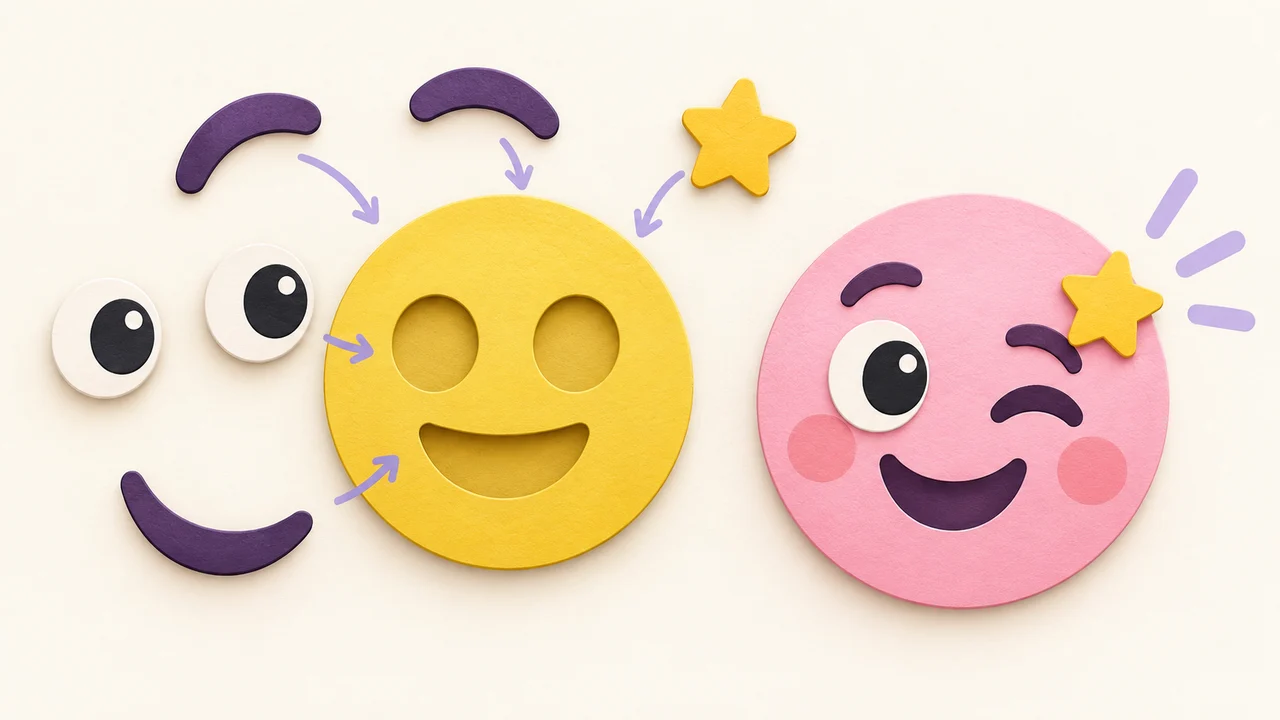
Emoji Kitchen is Google’s sticker mashup feature: pick two emoji, and Google’s artists (not Unicode) give you a new sticker-like drawing that blends both ideas. You can cook combos in Gboard on Android or, on most devices, by searching “emoji kitchen” in Google and tapping Get cooking. If you want a PNG for Discord, Slack, or anywhere else, treat the mashup as a custom image—save or capture it, then resize. Kitchen art is Google’s catalog, not a system emoji every keyboard ships.
This guide covers how Kitchen works today, how to download a usable PNG, size targets for chat apps, and an honest browser path on Emoj.si when you want a custom mashup look without depending only on Kitchen’s recipe list.
What Emoji Kitchen actually is
Google launched Emoji Kitchen in 2020 inside Gboard on Android. On World Emoji Day 2024, Google said the kitchen had grown to more than 100,000 drawings. Each “recipe” combines two emoji into one sticker-style image—sometimes a literal mashup (face + fire), sometimes a joke Google’s designers invented (think bacon-from-pig-and-fire vibes).
Important distinction: the result is Google artwork, not a new Unicode codepoint. Recipients do not magically get a new official emoji on their keyboard. They get a sticker or image from Google’s set. That is why people who care about Discord servers, Slack workspaces, or sticker packs usually ask: how do I download this as PNG and upload it myself?
How to access Emoji Kitchen right now
Access has two main doors. Availability can still vary by keyboard version, app, and region—if a button is missing, try the other path before assuming Kitchen is gone.
On Android with Gboard
- Install or update Gboard and set it as your keyboard.
- In Gboard settings, open Emoji, Stickers & GIFs.
- Under suggestions, keep Emojis (and Emoji Stickers, if shown) enabled—that suggestion strip is where Kitchen appears.
- Open a messaging app that supports stickers or image paste.
- Open the emoji panel, tap one emoji, then another.
- Look above the keyboard for sticker suggestions. The first mashup often combines the last two emoji you typed. Tap to send.
Not every pair cooks. Unsupported combos may show nothing useful (“nothing to see here” style empty states are common). Flag emoji generally do not participate. Typing the same emoji twice often yields an exaggerated “double” version. Some blob-style nostalgia designs appear when you mix a magic wand or sparkles with certain faces—fun, but still stickers, not Unicode blobs.
Compatible chat apps change over time; sticker-friendly apps (Messages, WhatsApp, Telegram, and others) are the usual winners. If an app ignores stickers, you may only get a small square image—or nothing.
On the web via Google Search
Google also exposed Kitchen through Search. Per Google’s own World Emoji Day note:
- Go to Google and search emoji kitchen.
- Choose Get cooking.
- Use the combine tab to pick two emoji, or the explore tab to browse recipes for a single emoji.
- Copy the sticker when the UI offers it, then paste into a document or chat that accepts images.
This path is the one people on iPhone, Windows, or Mac usually mean by “Emoji Kitchen online.” You do not need Gboard. You do need a browser and a Google Search experience that still shows the cooking UI—if Search A/B-tests it away in your region, fall back to Gboard on an Android device or a third-party Kitchen browser that mirrors Google’s published recipes (Emojipedia’s Kitchen pages are a common catalog view; treat them as documentation of Google’s art, not as Google itself).
Download as PNG: the practical reality
Kitchen was built to send stickers in chat, not to hand you a tidy “Export PNG 128×128” button. So “download as PNG” is usually one of these workflows:
- Copy / paste into Docs or Files, then download or screenshot the sticker image.
- Long-press / save if the messaging app offers a save image action.
- Desktop Capture of the Kitchen web UI, then crop to the sticker only.
- Third-party Kitchen galleries that already host the PNG-style assets for known recipes—verify license and attribution for your use case before you mass-upload to a commercial server.
Once you have a raster image:
- Prefer a transparent background if the sticker came with one; if you got a white box, plan to remove it before Discord/Slack upload.
- Crop tightly so the art fills the frame—chat clients shrink emoji hard.
- Resize to the platform target (table below) and check file size.
Kitchen mashups are often high enough resolution for sticker use. For Discord custom emoji you will almost always downscale, not upscale.
Size cheat sheet after you leave Kitchen
| Destination | Working target | Notes |
|---|---|---|
| Discord custom emoji | Up to 128×128, under 256 KB | JPEG/PNG/GIF/WEBP; see Discord size guide |
| Slack custom emoji | Square PNG/GIF; keep it simple | Add emoji to Slack |
| Twitch emotes | 112 / 56 / 28 px set | Twitch emote sizes |
| Telegram custom emoji | Exactly 100×100 | Telegram emoji vs sticker |
| Telegram stickers | One side 512 | same guide |
| WhatsApp stickers | 512×512 WebP, under 100 KB | WhatsApp sticker size |
A Kitchen sticker that looks perfect full-screen can turn muddy at Discord’s chat scale. One silhouette, high contrast, and a little testing on dark and light themes go further than hunting a higher-resolution capture.
Google Kitchen vs building your own mashup
| Google Emoji Kitchen | Browser maker (e.g. Emoj.si) | |
|---|---|---|
| Who draws it | Google’s Kitchen catalog | You (parts library + uploads) |
| Needs Gboard or Search UI | Usually yes | No—just a browser |
| Exact Discord/Slack pixel control | Manual after export | Explicit export + resize |
| Pixel-perfect Kitchen clone | It is Kitchen | No—honest lookalike / custom art |
| Works offline from Google’s recipe list | Catalog-dependent | Independent |
If the combo you want exists in Kitchen, use Kitchen—the art is already designed. If the combo is missing, or you need a brand mascot that is not in Google’s set, build parts yourself.
Soft path on Emoj.si (not a Kitchen clone)
Emoj.si is a static PNG emoji maker in the browser. You can mix library parts or upload a photo, keep a transparent canvas, and export a PNG you control. That is useful when:
- Kitchen has no recipe for your pair.
- You want the same face across Discord, Slack, and Telegram without hunting Google’s sticker tray each time.
- You need a clean master before you downscale to 128 or 100.
Honesty checks:
- Emoj.si is not a pixel-perfect Google Emoji Kitchen clone. It will not spit out Google’s exact sticker drawings.
- Guest / free exports are 512 or 1024 px with a watermark.
- Paid unlocks watermark-free exports up to 2048 px, plus AI background removal with plan quotas.
- It is primarily a static PNG tool—do not expect Kitchen’s animated Shorts effects or GIF export from Emoj.si.
For chat emoji you rarely need 2048. Export a permitted size, strip or crop carefully if you are on free, then resize to the platform table above.
A short “combine two emojis → Discord” workflow
- Cook the mashup in Gboard or Google Search Kitchen.
- Save or copy the sticker image to your device.
- Open it in any editor (or upload to a canvas tool) and crop to the art.
- Resize to 128×128 for Discord; confirm the file is under 256 KB.
- Server Settings → Emoji → Upload (you need Create Expressions / manage emoji rights). Names need ≥2 characters, alphanumeric + underscore only.
- Test in a channel on dark and light themes.
If Kitchen never offered your combo, open Emoj.si, build a simple two-idea composition (one object, one face, or one prop), export PNG, then hit the same 128×128 step.
Design tips that survive mashup energy
Kitchen designs are often busy in a charming way. Chat clients are not charming about detail.
- Prefer combos with a clear outline.
- Avoid tiny text Google sometimes draws into a sticker—it vanishes at 32 px display size.
- If you rebuild on a canvas, pick one joke. Face + hat beats face + hat + sparkles + banner.
- Keep a transparent edge; white boxes look cheap on dark Discord themes.
- For Slack and Discord packs, name files before upload so you do not end up with
emoji_kitchen_final_final2.
FAQ
Is Emoji Kitchen free?
Using Kitchen through Gboard or Google Search is part of Google’s consumer products—you are not buying Unicode slots. Stickers still follow each chat app’s own rules when you send them.
Can I use Kitchen mashups as Discord custom emoji?
Yes, as images you upload. Resize, stay under 256 KB, and follow Discord’s naming rules. The mashup will behave like any other custom emoji, not like a Google sticker tray item.
Does every emoji pair have a Kitchen recipe?
No. Thousands of pairs exist, but many do not. Flags are a common miss. Empty suggestions mean “no drawing,” not a broken keyboard.
Is kitchen.emojipedia.org the same as Google?
Emojipedia documents and browses Kitchen-style recipes. Google Search’s Get cooking UI and Gboard are Google’s own surfaces. Use whichever still works for you; credit and rights still matter if you redistribute art.
Can Emoj.si recreate Google’s exact Kitchen stickers?
No. It helps you make your own transparent PNGs with a mashup feel. For Google’s exact drawings, use Kitchen (or a faithful gallery of those recipes).
Will Kitchen mashups show up on every phone’s emoji keyboard?
No. They are stickers/images. Only Unicode emoji are “on the keyboard” everywhere.
Soft next step
Cook one combo you actually use in group chat—something slightly more specific than a plain smile. Save it as an image, resize for Discord or Slack, and upload once. If Kitchen blanks on your pair, open Emoj.si, build a simple two-part PNG, and reuse the same resize checklist. When the first custom emoji lands cleanly in a real channel, expand the set.
Sources: Google: World Emoji Day 2024 (Emoji Kitchen) · Discord: How to Add Custom Emojis · Discord API emoji resource (256 KiB) · Emoj.si