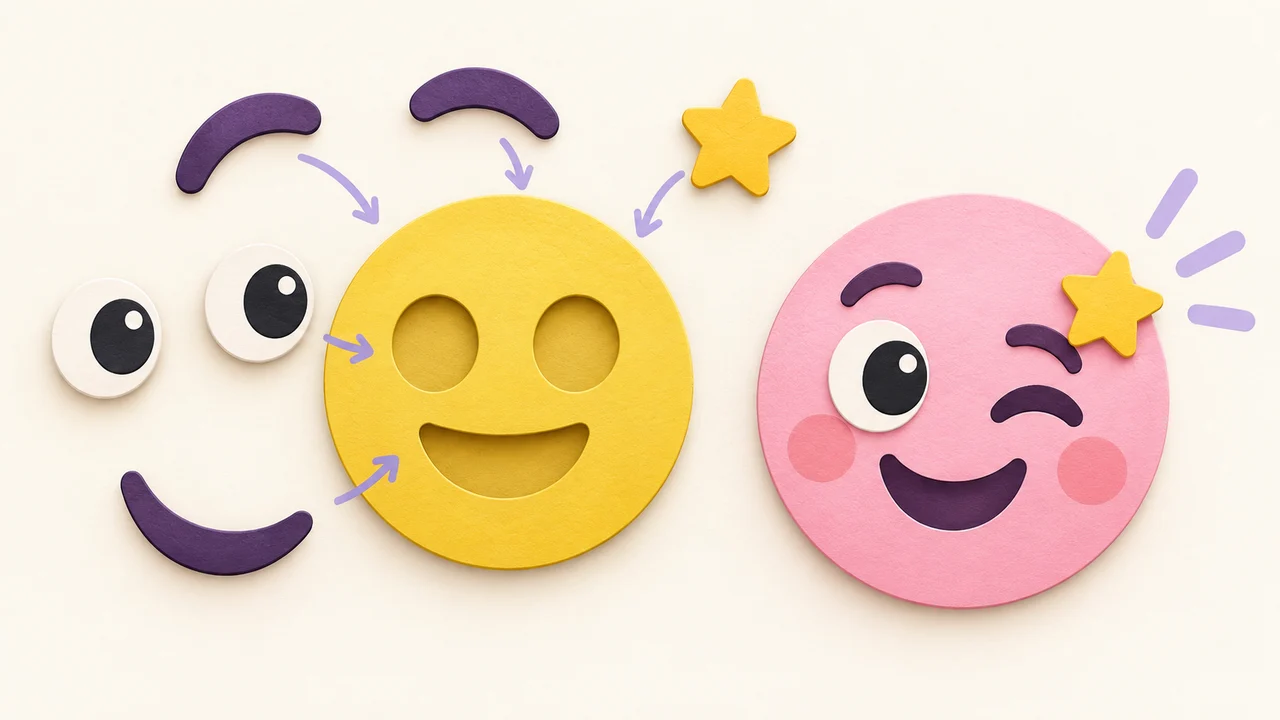
Can ChatGPT Make an Emoji? How to Turn an AI Idea Into a Usable Custom Emoji
ChatGPT can draw emoji-style art, but uploads often fail on background, size, and detail. Here's how to turn an AI image into a clean custom emoji PNG.
Short answer: yes, ChatGPT can draw something that looks like an emoji. Whether you can upload it to Discord or Slack straight away is another story. What you get back is usually a big rectangular image, sometimes with a solid or fake checkerboard background, often with more detail than survives at 32 px. Treat the AI image as a sketch or a starting layer, then turn it into a square, transparent, small file before you upload.
I've tried this a lot for server reactions. Some results were great ideas and terrible files. Here's what tends to go wrong and how I fix it.
What ChatGPT is good at here
- Ideas. Ask for ten reaction emoji for a design team and you'll get concepts in seconds: "ship it" rocket, coffee-loading face, "LGTM" stamp. That part is genuinely useful.
- A rough look. It can give you a style direction, like flat, sticker-like, or pixel art, that you can then rebuild cleanly.
- Wording. Short emoji names and aliases (
:shipit:,:lgtm:) are easy to brainstorm in chat.
What usually breaks when you upload it
Chat apps want small, square, light files. Discord recommends up to 128×128 and under 256 KB. Slack wants a square image under 128 KB. Telegram custom emoji must be exactly 100×100. An AI image fresh out of a chat window tends to miss these in a few predictable ways:
- Background. Sometimes you get a white or colored background. Sometimes you get a gray-and-white checkerboard that is actually painted into the image rather than real transparency. It looks transparent in the preview and then shows up as a pattern in Discord's dark mode.
- Size and shape. The output is often much larger than an emoji slot and not always square. Slack will resize it, but the file can be far over the KB cap.
- Too much detail. AI art loves texture, shading, and tiny props. At 28 to 32 px in chat, that turns into mush.
- Text. Letters inside generated images can come out misspelled or warped. On an emoji, a typo is very visible.
- Consistency. Ask for four expressions of the same character and you may get four slightly different characters. Reaction sets work best when only the eyes and mouth change.
None of this means the tool is bad. It means an emoji is a very specific file, and a general image generator isn't built around that file.
The workflow I actually use
- Brainstorm in ChatGPT. Get the concept, the pose, and the name. If you like an image it made, save it.
- Rebuild or clean it in an emoji editor. On Emoj.si you can upload the AI image (PNG, JPG, or WebP up to 2 MB) as one layer, or rebuild the idea from library parts so the shapes stay clean at small sizes.
- Get rid of the background. You can erase it by hand with the free eraser. One-click AI background removal is a paid feature with a monthly quota, so I only use it on photos or messy edges.
- Simplify. Delete the texture and tiny props. Thicken outlines. One idea per emoji.
- Export a transparent PNG. Free and guest exports are 512 or 1024 px with a watermark. Paid plans remove the watermark and go up to 2048 px. Exports are static PNG only.
- Downscale per platform. Make a 128×128 copy for Discord and Slack, 100×100 for Telegram emoji, and so on. The emoji size cheat sheet has every number in one table.
If you're starting from a selfie instead of an AI image, the steps are almost the same. See photo to emoji.
A quick test before you upload
I shrink the file to 32 px and look at it next to normal text. If I can tell what it means in a second, it ships. If I have to squint, I cut detail. Then I check two more things:
- Does it look fine on a dark background? If there's a white halo or a checkerboard, the transparency isn't real.
- Is the file under the platform's cap? Slack's 128 KB is the one I hit most.
Can I use AI-generated images as emoji at all?
Usually, for a personal server or team workspace, people do. But check the image tool's terms and your workspace's rules, and avoid prompts that copy another brand's mascot or a real person without permission. That's a rights question, not a file-size one, and it's worth a minute before you upload something everyone will see.
FAQ
Can ChatGPT make a transparent emoji PNG?
Sometimes it gives you one, sometimes a painted-on checkerboard. Always check on a dark background before you trust it. If it isn't truly transparent, erase the background in an editor.
Can ChatGPT make an animated emoji?
Don't count on getting an upload-ready GIF out of a chat window. Make the still first, then animate it in a dedicated tool. Emoj.si itself exports static PNG only. For Discord's GIF limits, see how to make an animated Discord emoji.
Is an AI image generator better than an emoji maker?
They do different jobs. The generator is great for ideas. An emoji maker is built for the final file: square, transparent, readable at small size. I use both.
What about Genmoji?
Apple's Genmoji is built into newer Apple devices. If you don't have one, or you need a file you can upload to Discord or Slack, see Genmoji alternative.
Try it
Ask ChatGPT for three reaction ideas for your server, pick one, then open emoj.si and build it as a clean transparent PNG you can actually upload.
Sources: