Bitmoji Alternative: Make Custom Emoji Without Downloading an App
The Bitmoji app was retired in June 2026. What still works via Snapchat, and how to make a custom emoji of yourself in the browser with no app.
Short answer: if you want a custom emoji of yourself without installing anything, use a browser emoji maker. On Emoj.si you build a face from parts (or your own photo), and download a transparent PNG you can use in Discord, Slack, Teams, or anywhere that takes an image. One thing worth knowing first: the standalone Bitmoji app was retired on June 30, 2026, and Bitmoji now lives inside Snapchat. If you don't want a Snapchat account, that's probably why you're reading this.
I liked Bitmoji. A lot of people did. So let me cover what actually changed, what still works, and when a browser tool is the better pick.
What happened to Bitmoji
Some background, because it explains the current situation. Bitmoji was made by a Toronto company called Bitstrips. Snapchat bought Bitstrips in 2016 (reported at the time as roughly $100 million), and Bitmoji has been part of Snap ever since.
In 2026, Snap published a support note titled "What's happening to the Bitmoji app?" The key line: starting June 30, 2026, the Bitmoji app is no longer available, and Snap is bringing Bitmoji experiences into the Snapchat app, so you'll need Snapchat to keep accessing Bitmoji stickers, fashion, and the keyboard.
What still works, per that note and Snap's help pages:
- Your avatar. It isn't deleted. If you installed Snapchat from the Bitmoji app, you can choose "Link Existing Avatar" during sign-up, or follow the prompt on the Camera screen later.
- Stickers in other apps. Depending on your device, you can share Bitmoji stickers from your phone keyboard using the Snapchat keyboard extension, or in iOS Messages with the Snapchat iMessage extension.
- Web and Chrome extension. Snap says you can keep using your Bitmoji on the web and in the Bitmoji Chrome extension, which inserts stickers into Gmail and lets you copy and paste them elsewhere.
So Bitmoji isn't dead. It's just Snapchat-shaped now.
Why people go looking for an alternative
From what I've seen in forums and from friends, it usually comes down to one of these:
No Snapchat, and no plan to get it. Plenty of adults used Bitmoji for years in iMessage or Gmail without ever opening Snapchat. Being pushed into a social app just to keep a sticker keyboard feels like a lot.
Keyboard permissions. On iPhone, the keyboard setup has always involved turning on "Allow Full Access." Bitmoji's own support page says it doesn't track what you type, and I believe them, but some people (and some work phones) just won't enable full-access keyboards.
You want a server emoji, not a sticker. Bitmoji is built around sending a sticker into a chat. A Discord or Slack custom emoji is a different thing: a small square file uploaded once and used by everyone. Copy-pasting a Bitmoji sticker and cropping it into a 128 px emoji rarely looks good, and there's the question of whether you're allowed to use the art that way.
Your own style. Bitmoji's look is recognizable, which is part of the charm. If you want something flatter, weirder, or closer to a classic emoji, you'll want to build it yourself.
Making a custom emoji in the browser instead
Here's the route I use on Emoj.si. No download, no account to start.
1. Open the editor and drop in a face
Go to emoj.si and click a face from the parts library to put it on the canvas. Start simple. A plain round face gives you the most room.
2. Add the features that make it look like you
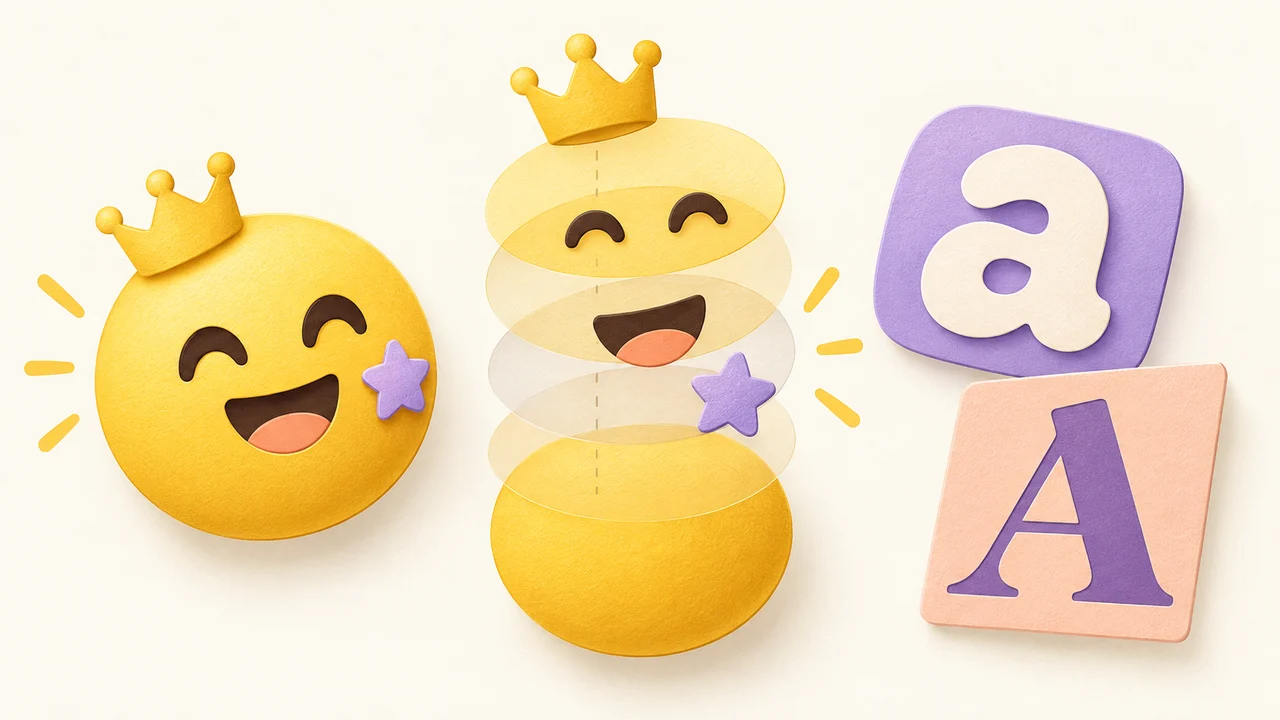
At emoji size, detail disappears, so skip the eyebrow-shape agonizing. Pick the one or two things people know you by: a beard, glasses, a bun, a cap, freckles, a big grin. Each part is its own layer you can resize, rotate, and reorder.
I made one for a friend whose whole identity is a bucket hat. Round face, squinty smile, bucket hat. Everyone in the chat recognized it instantly, and it took maybe three minutes.
3. Use your own photo or drawing if you like
You can upload a PNG, JPG, or WebP up to 2 MB as a layer, and there are free brushes (Pencil, Pen, Calligraphy, Chalk) for drawing on hair, a mustache, or a speech mark. For photos, you can erase the background by hand for free. One-click AI background removal is a paid feature with a monthly quota. More on that in photo to emoji.
4. Add a word, if it's short
Bitmoji stickers often come with captions like "OMG" or "on my way." You can type text too, but keep it to one short word. At 32 px, long captions turn into gray noise.
5. Export a transparent PNG
Keep the canvas background transparent and download. Then make variations: same face, different mouth and eyes. A small set of four or five reactions covers most conversations. The reaction set design post has tips on keeping them consistent.
What you're giving up (and what you get)
Honest comparison, because the two tools aren't the same thing:
| Bitmoji (now via Snapchat) | Emoj.si | |
|---|---|---|
| Install needed | Snapchat app on phone; web and Chrome extension for desktop | Nothing, runs in the browser |
| Account | Snapchat account going forward | Not needed to start |
| Ready-made sticker library | Huge, with poses, scenes, Friendmoji | No, you build each emoji yourself |
| Animated stickers | Yes | No, static PNG only |
| Custom server emoji files | Workarounds | Direct transparent PNG |
| Cost | Free | Free with watermark; paid for clean exports |
The big thing Bitmoji has that a browser maker doesn't: a massive pre-drawn library of your avatar in hundreds of situations. You make your avatar once and get all of those for free. On Emoj.si you're making each emoji yourself, which is more work but means you get exactly the expression you wanted.
And the Emoj.si limits, stated plainly:
- Library parts and backgrounds are free.
- Guest and free-account exports are 512 or 1024 px with a watermark.
- Paid plans remove the watermark, add 2048 px export, and include AI background removal with a monthly quota. See pricing.
- Everything exports as static PNG.
If a watermark on a group-chat joke doesn't bother you, the free tier is fine. For a company Slack where people will see the emoji all day, you'll probably want the clean version.
Getting it into your apps
Export at 1024 and downscale for each place:
- Discord: 128×128, under 256 KB. Discord emoji size requirements and how to upload a custom emoji to Discord.
- Slack: how to add custom emoji to Slack.
- Microsoft Teams: Teams custom emoji.
- WhatsApp or Telegram stickers: WhatsApp sticker size and Telegram emoji vs sticker.
FAQ
Is Bitmoji shut down?
The standalone Bitmoji app is. Snap says it stopped being available on June 30, 2026. Bitmoji itself continues inside Snapchat, on the web, and in the Chrome extension.
Can I still use my old Bitmoji without Snapchat?
Snap says you can keep using it on the web and in the Chrome extension. For stickers on your phone keyboard and for editing your avatar, Snap points you to the Snapchat app.
Who owns Bitmoji?
Snap Inc., the company behind Snapchat. It acquired Bitstrips, Bitmoji's original maker, in 2016.
Can I make an animated emoji without an app?
Not on Emoj.si; it exports static PNG. You can build the still there and animate it in another tool. The animated Discord emoji guide covers the size limits.
Is Emoj.si free?
The editor, library parts, uploads, and drawing tools are free. Exports on the free tier are 512 or 1024 px with a watermark; watermark-free and 2048 px exports are paid.
Give it a go
If you lost your sticker keyboard when the Bitmoji app went away, or you never wanted Snapchat in the first place, open emoj.si and make one face. If it gets used, make four more.
Sources:
- Snapchat announces the retirement of the Bitmoji app (BetaNews, quoting Snap's "What's happening to the Bitmoji app?" notice)
- What can I do after downloading Snapchat from Bitmoji? (Snapchat Support)
- Send Bitmoji Stickers (Bitmoji Support)
- Bitmoji Chrome Extension (Bitmoji Support)
- Snapchat reportedly acquires Bitmoji maker Bitstrips (TechCrunch, 2016)
- Emoj.si pricing